 CyberCode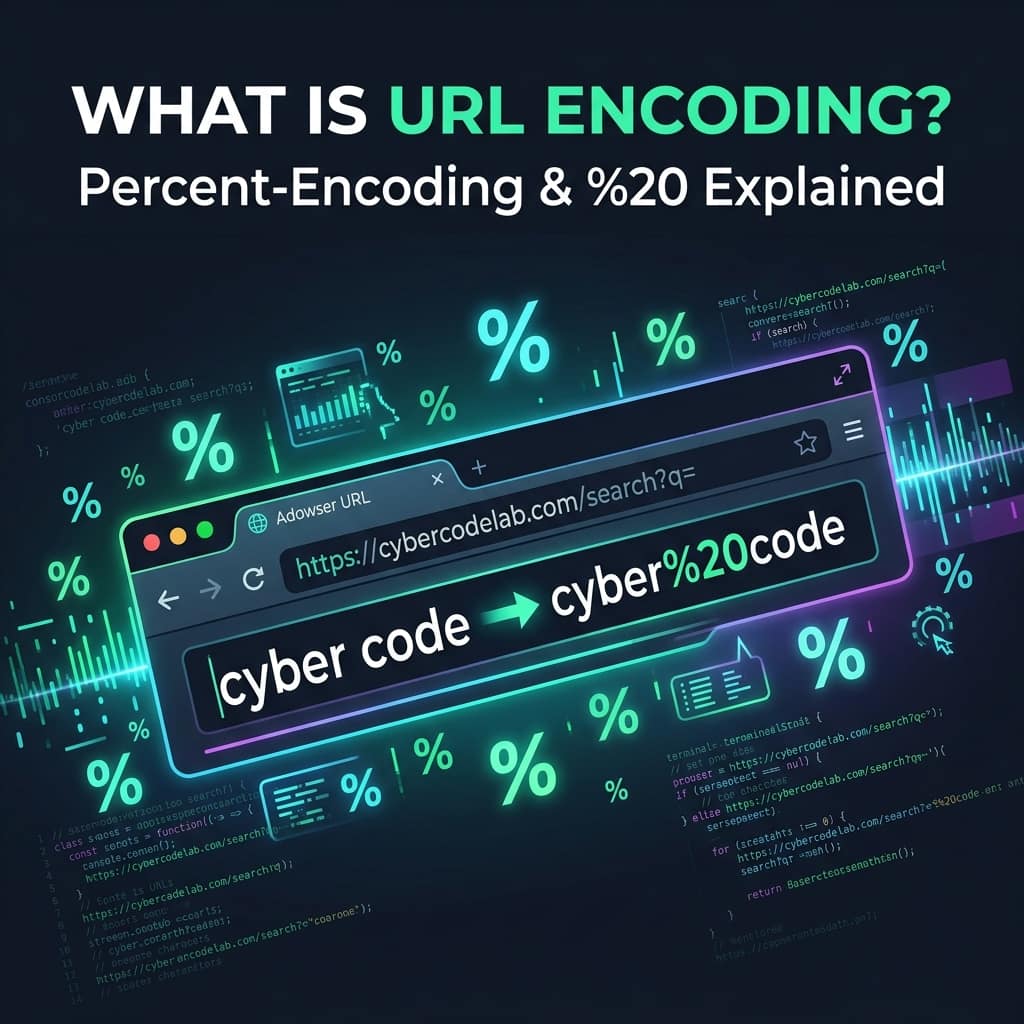
2026-07-26
What Is URL Encoding? %20 and Percent-Encoding Explained
Ever seen %20 in a link? That's URL encoding. Learn why spaces become %20, which characters must be encoded, and how to encode a URL safely — with examples.
URL encoding (also called percent-encoding) replaces characters that aren't allowed in a web address with a % followed by two hexadecimal digits — which is why a space becomes %20. It exists because URLs may only contain a limited set of safe characters, so anything else — spaces, &, ?, non-English letters — must be converted into that %HH form to travel safely across the web.
If you've ever copied a link and seen My%20Document.pdf instead of My Document.pdf, or caf%C3%A9 instead of café, you've met URL encoding. This guide explains exactly what it is, which characters need it and why, and how to encode a URL correctly — you can try any of it live in our free URL Encoder / Decoder, which runs entirely in your browser.
Why do URLs need encoding at all?
A URL is defined by a standard (RFC 3986) that allows only a small, safe alphabet: the letters A–Z and a–z, the digits 0–9, and a handful of symbols like -, _, . and ~. Everything else is either reserved (it has a special job) or unsafe (it can be mangled in transit).
The problem: real data is full of other characters. A search for "coffee & cake" contains a space and an & — both of which mean something structural inside a URL. If you dropped them in raw, the address would break or point somewhere unexpected. Encoding solves this by swapping each troublesome character for its percent-code, so the data survives intact and the URL's structure stays unambiguous.
How percent-encoding actually works
The rule is mechanical:
- Take the character's byte value in the UTF-8 character set.
- Write that byte as two hexadecimal digits.
- Put a
%in front.
A space is byte 32, which is 20 in hexadecimal — so a space becomes %20. An ampersand & is byte 38 = 26 hex, so it becomes %26. Characters outside basic English use multiple bytes: é is two bytes in UTF-8 (C3 A9), so it encodes to %C3%A9. (If you want to understand the hex step itself, see what is hexadecimal; for where those byte values come from in the first place, see how text becomes binary.)
Which characters get encoded?
| Character | Encoded as | Why |
|---|---|---|
| space | %20 | Spaces aren't allowed in URLs at all |
& | %26 | Reserved — separates query parameters |
? | %3F | Reserved — starts the query string |
= | %3D | Reserved — separates a key from its value |
# | %23 | Reserved — marks a page fragment |
/ | %2F | Reserved — separates path segments |
+ | %2B | Ambiguous — can mean a space in form data |
é, ü, 中 | %C3%A9 etc. | Non-ASCII — encoded as UTF-8 bytes |
The safe characters — letters, digits, and - _ . ~ — are never encoded. Everything else either must be, or should be, depending on where it sits in the URL.
The + vs %20 confusion
Here's a gotcha that trips up even experienced developers: a space can be encoded two different ways depending on context.
- In the path of a URL, a space is always
%20. - In a query string submitted by an HTML form (
application/x-www-form-urlencoded), a space is traditionally+.
So ?q=hello+world and ?q=hello%20world usually mean the same thing in a query string — but + in a path is a literal plus sign, not a space. This is exactly why you should let a tool or library handle encoding rather than doing it by hand: getting the context wrong silently corrupts data. Our URL Encoder / Decoder shows the correct output for both cases.
URL encoding vs Base64 — they're not the same
People often confuse these because both "encode" text, but they solve different problems:
- URL encoding makes text safe to place in a URL. It only touches unsafe characters and leaves normal letters readable.
- Base64 turns any binary data (like an image) into a compact ASCII string. It transforms everything, so the output is unreadable.
You'd use Base64 to embed an image in a data URL; you'd use URL encoding to put a search term in a link. For the other half of the pair, see what is Base64 encoding.
How to encode a URL correctly
The single most important rule: encode the values, not the whole URL. If you encode an entire finished URL, you'll destroy its structure — the ://, the / path separators and the & between parameters will all get percent-encoded and the link will break.
The right workflow:
- Build the URL's skeleton normally:
https://example.com/search?q= - Take only the value a user typed — say
coffee & cake— and encode that piece:coffee%20%26%20cake - Drop the encoded value into place:
https://example.com/search?q=coffee%20%26%20cake
In code, that means using encodeURIComponent() in JavaScript (for a single value) rather than encodeURI() (which is for a whole URL and won't escape &, = or ?). If you're not writing code, paste just the value into the URL Encoder / Decoder and copy the result — nothing is uploaded anywhere, so it's safe even for links containing tokens or private query data.
Frequently asked questions
What does %20 mean in a URL?
%20 is a URL-encoded space. Spaces aren't allowed inside a web address, so they're replaced with %20 (because a space is byte 32, which is 20 in hexadecimal). When you see My%20File.pdf, the real name is "My File.pdf".
Is URL encoding the same as encryption? No. URL encoding is not security — it's a reversible formatting step, and anyone can decode it instantly. It only makes data safe to transport in a URL; it hides nothing. Never rely on it to protect sensitive information.
Why does my URL have %2520 in it?
That's double-encoding: a %20 got encoded a second time, turning its % into %25. It usually means a URL was encoded twice by mistake — for example, encoding an already-encoded value. Decode it once to check, and make sure you only encode raw values a single time.
Should I encode the whole URL or just part of it?
Only the parts that contain user data — individual query values or path segments. Encoding the entire URL breaks it, because the structural characters (://, /, ?, &) get escaped too. Encode the value, then insert it into the URL skeleton.
Next time a link shows up full of %20 and %26, you'll know exactly what happened — and you're one paste away from a clean, correctly-encoded URL with the URL Encoder / Decoder.