 CyberCode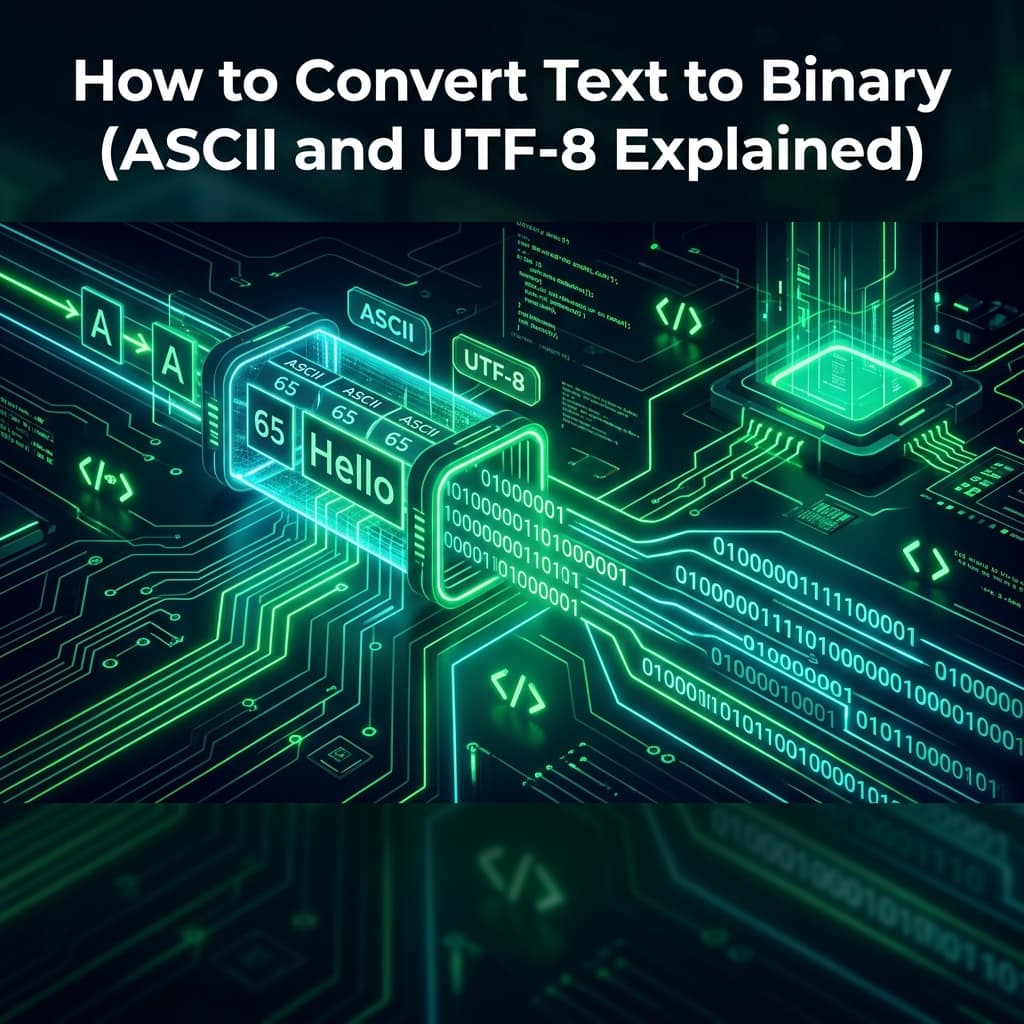
2026-09-03
How to Convert Text to Binary (ASCII and UTF-8 Explained)
Text becomes binary by looking up each character's number and writing it in base 2. How ASCII and UTF-8 work, with worked examples and the emoji gotcha.
To convert text to binary, look up each character's number and write that number in base 2. The letter A is character number 65, and 65 in binary is 01000001. Every character on this page went through exactly that process before your screen ever displayed it.
Computers only store numbers, so text has to become numbers first. The two systems that decide which number belongs to which character are ASCII and UTF-8 — and understanding the difference explains almost every strange character bug you will ever hit. You can convert in either direction right now with our free Text to Binary Converter.
How do you convert text to binary?
Three steps, done once per character:
- Find the character's number (its code point) —
His 72,iis 105 - Convert that number to base 2 — 72 becomes 1001000, 105 becomes 1101001
- Pad each to 8 bits — 01001000 and 01101001
So Hi in binary is:
01001000 01101001
A longer example, Hello:
H        e        l        l        o
01001000 01100101 01101100 01101100 01101111
Each group of eight bits is one byte. That's why a plain-English text file is roughly one byte per character — five characters, five bytes.
What is ASCII?
ASCII is the original table that assigns a number to each character. It defines 128 characters, numbered 0 to 127 — the English letters, digits, punctuation and some invisible control codes.
Why 128? Because 128 is 2⁷, so every ASCII character fits in 7 bits. A byte has 8 bits and can hold 256 values, so ASCII leaves the top bit unused — a detail that matters in a moment.
A few worth memorising:
| Character | Number | Binary |
|---|---|---|
A | 65 | 01000001 |
a | 97 | 01100001 |
0 (the digit) | 48 | 00110000 |
| space | 32 | 00100000 |
Two things fall out of that table. Uppercase and lowercase are exactly 32 apart, which is why case conversion used to be a single bit flip. And the character 0 is number 48, not 0 — the digit you see and the number zero are different things, which is the root of a great many bugs. You can look up any character's number with our ASCII Converter.
What is UTF-8 and how is it different from ASCII?
ASCII covers English and nothing else. No é, no Arabic, no Chinese, no emoji. Unicode fixed that by assigning a number to every character in every writing system — over a million possible code points, up to U+10FFFF.
But a million values won't fit in one byte. UTF-8 is the clever part: it stores each character in one to four bytes, depending on which character it is.
| Character | Code point | UTF-8 bytes | Size |
|---|---|---|---|
A | U+0041 | 0x41 | 1 byte |
é | U+00E9 | 0xC3 0xA9 | 2 bytes |
中 | U+4E2D | 0xE4 0xB8 0xAD | 3 bytes |
ह | U+0939 | 0xE0 0xA4 0xB9 | 3 bytes |
😀 | U+1F600 | 0xF0 0x9F 0x98 0x80 | 4 bytes |
Notice the first row: A in UTF-8 is 0x41 — exactly its ASCII value. That is the design win. UTF-8 was built so that any pure-ASCII file is already a valid UTF-8 file, byte for byte. Remember that unused top bit in ASCII? UTF-8 uses it as the flag that says "this character continues into more bytes." Decades of English text kept working unchanged, and everything else became possible.
This is why UTF-8 won, and won completely: as of January 2026 it is used by roughly 99% of all websites, according to W3Techs. Encoding is one of the few genuinely settled arguments in web development.
ASCII vs UTF-8 at a glance
| ASCII | UTF-8 | |
|---|---|---|
| Characters covered | 128 | 1,114,112 possible |
| Bytes per character | 1 (7 bits used) | 1-4, varies |
| Languages | English only | Every writing system |
| Emoji | No | Yes (4 bytes each) |
| Created | 1963 | 1992 |
| Web share today | — | ~99% of sites |
The row that matters most is the second one. ASCII is fixed width, so byte count and character count are always the same number. UTF-8 is variable width, so they are not — and nearly every text bug below comes from code that assumed otherwise.
Why does an emoji take 4 bytes?
Because emoji live high up in Unicode — 😀 is code point U+1F600, far beyond what one or two bytes can address — so UTF-8 needs all four.
This has a consequence that surprises people in code:
"😀".length        // 2  ← not 1
[..."😀"].length   // 1  ← correct
JavaScript strings count 16-bit units, and one emoji needs two of them. So a "20 character" username limit might reject 10 emoji, and slicing a string in the middle of an emoji produces a broken character. Iterate with the spread operator or for...of, both of which walk actual characters rather than storage units.
The same arithmetic explains database surprises: a column limited to 50 bytes holds 50 English letters, but only about 12 emoji.
How do you convert binary back to text?
Reverse the steps: split the bits into groups of 8, read each group as a number, then look up the character.
01001000 01101001
   72       105
    H        i
The only real trap is knowing where the boundaries are. Binary is meaningless without knowing the grouping and the encoding — 01001000 is H in ASCII, but the identical bits mean something else under a different encoding. That's why files declare their encoding, and why a page with the wrong charset shows é where é should be. Paste any bit string into our Binary to Text Converter to decode it.
Where does this actually matter?
Rarely in day-to-day coding — but when it matters, it really matters:
- File and payload sizes. Text size is bytes, not characters. A Hindi or Chinese document is roughly three times the bytes of the same length in English.
- Database column limits. Know whether your limit counts bytes or characters, or non-English users will hit errors English users never see.
- Character corruption.
éinstead oféalmost always means UTF-8 bytes were read as a single-byte encoding. The fix is the declared encoding, not the text. - Binary-safe transport. When raw bytes must travel through a text-only channel, they get re-encoded — that is exactly the job of Base64, and of percent-encoding in URLs.
If you work with hex rather than binary, our Hex to Text Converter covers the same ground in base 16 — which is just a more compact way of writing the same bytes.
Frequently asked questions
How many bits are in one character? In ASCII, 7 bits padded to 8 — one byte per character. In UTF-8 it varies: 1 byte for English letters, 2 for most accented Latin and Greek, 3 for most Chinese, Japanese, Korean and Indic scripts, and 4 for emoji and rarer characters.
Is ASCII still used today? Yes, but almost always as a subset of UTF-8 rather than on its own. Because UTF-8 was designed to be byte-compatible with ASCII, plain English text is simultaneously valid in both — so "it's ASCII" and "it's UTF-8" describe the same file.
Why does my text show as é or ’?
Because UTF-8 bytes are being read as a single-byte encoding such as Latin-1. The multi-byte sequence gets shown as two separate wrong characters. The data is usually intact — set the correct encoding (<meta charset="utf-8"> in HTML) and it reads properly again.
What is the difference between binary and hexadecimal?
Only how the same bytes are written. 01001000 in binary is 48 in hex — identical byte, shorter notation. Hex is popular precisely because one byte is always exactly two hex digits, which is far easier to scan than eight ones and zeros.
The whole idea fits in one sentence: every character is a number, and binary is just that number written in base 2. ASCII decided the numbers for English, Unicode extended them to every language, and UTF-8 stores them efficiently without breaking anything that came before.
Try it on your own text with the Text to Binary Converter — watching a familiar word turn into bits makes the idea stick far better than reading about it.