 CyberCode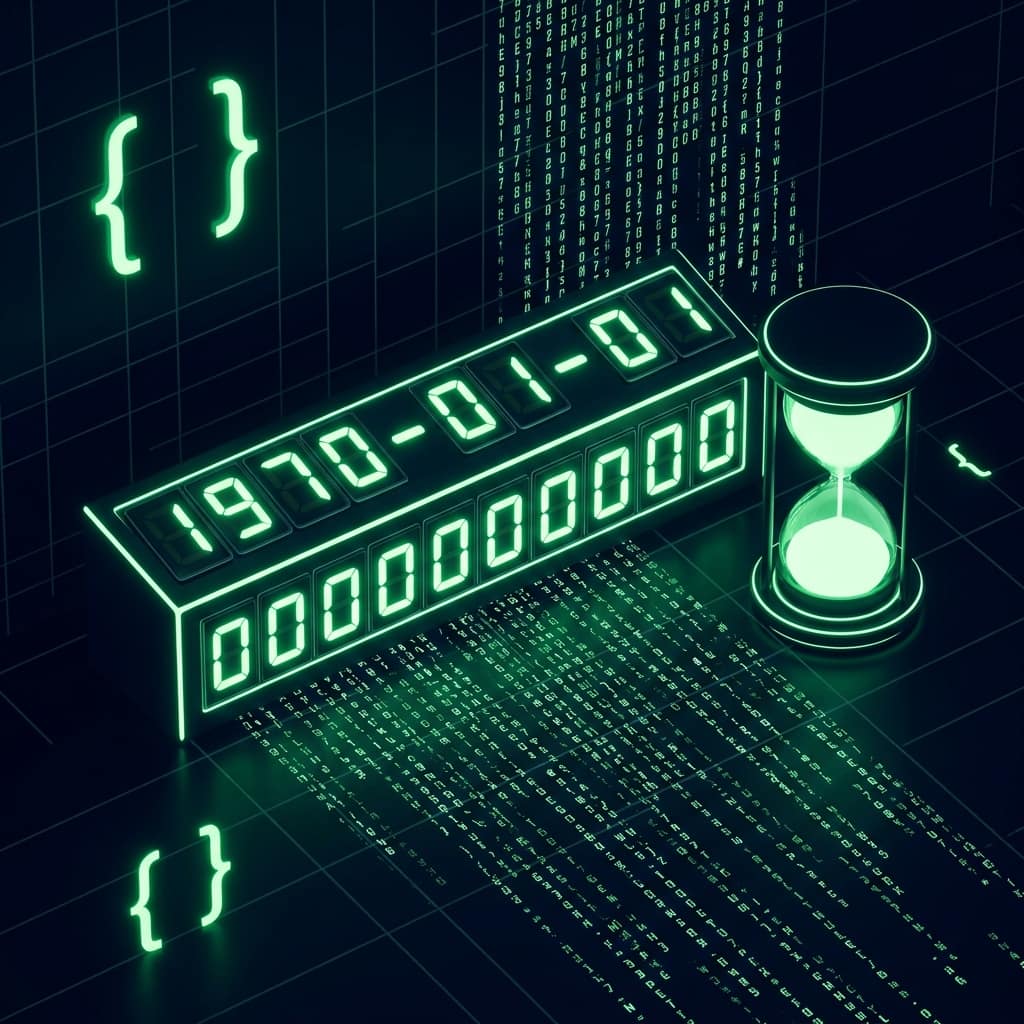
2026-08-09
Why Does Unix Time Start on January 1, 1970?
Why does Unix time start in 1970? The real reason Bell Labs chose the 1970 epoch — and why counting seconds from a fixed zero point keeps time simple.
Unix time starts on 1 January 1970 because that date was chosen as the "Unix epoch" — the zero point from which seconds are counted — by the engineers building Unix at Bell Labs in the early 1970s. It has no cosmic meaning; it was simply a convenient, recent round date, and counting seconds from a single fixed moment makes time math simple and free of time zones. Every timestamp you see, like 1786000000, is just "this many seconds after that 1970 zero point."
If you've ever wondered why computers seem obsessed with 1970 — why a broken date defaults to "1 Jan 1970" and why timestamps count from there — this is the story. You can see the current count ticking live, or convert any timestamp to a real date, with our free Unix Timestamp Converter.
The short history: Bell Labs, early 1970s
Unix was created at Bell Labs starting around 1969 by Ken Thompson, Dennis Ritchie and their colleagues. Early versions needed a way to store time as a simple number, so they picked a starting point — an epoch — and counted forward from it.
The first choice wasn't even 1970. Early Unix measured time in sixtieths of a second (matching the electrical grid's 60 Hz) and used an epoch of 1 January 1971. The problem: at 60 ticks per second, a 32-bit counter overflows in only about 2.5 years — the clock would run out almost immediately. So the team made two changes: they switched to counting whole seconds instead of sixtieths, and they moved the epoch back to the round date of 1 January 1970, 00:00:00 UTC. Counting seconds instead of sixtieths stretched the same 32-bit counter to last until 2038 instead of 1973.
That's the entire reason. 1970 was recent, round, and convenient in the early 1970s — nothing more profound than that.
Why have a fixed "zero point" at all?
Storing time as one number counted from a fixed moment has three big advantages over storing "5 July 2026, 3:00 PM" as text:
- Easy math. "Which event happened first?" becomes a simple number comparison. "How long between them?" is a subtraction. No wrestling with months of different lengths or leap years.
- No time zones. The count is always in UTC. A server in Karachi and one in London write the same number for the same instant — the conversion to local time happens only when a human needs to read it.
- Compact and fast. One integer is smaller and quicker to sort and index than a formatted date string.
This is why virtually every operating system, database and programming language stores time this way internally. (For a fuller explanation of what a timestamp is and how to read one, see what is a Unix timestamp; to turn one back into a date in code, see converting a Unix timestamp in JavaScript.)
Why 1970 and not the year 0, or 1900?
A few practical reasons ruled out older starting points:
- The year 0 doesn't really exist in the common calendar (it goes 1 BC → 1 AD), and counting billions of seconds across 2,000 years of messy calendar reforms would be a nightmare.
- A recent date wastes fewer numbers. Computers in the 1970s had tiny amounts of memory. Starting near the present meant small, efficient numbers for current dates rather than huge ones.
- 1970 was "now-ish." A round year just before the work was done was the pragmatic engineer's choice — easy to reason about and document.
The date was later locked in by the POSIX standard, which is why it's identical across Linux, macOS, Android, iOS and almost everything else today.
What about dates before 1970?
They work fine — the count simply goes negative. A timestamp of -86400 is exactly one day before the epoch: 31 December 1969. So the "1970 wall" isn't a limit on what dates you can represent; it's just where the counting starts from. Historical dates are perfectly valid negative numbers.
This is also why a device with a dead clock or a software bug often shows "1 January 1970" — when the stored timestamp resets to 0, that's the date it lands on.
The flip side: the Year 2038 problem
If 1970 is the start, is there an end? For older systems, yes. A signed 32-bit integer maxes out at 2,147,483,647 seconds, which lands on 19 January 2038, 03:14:07 UTC. One second later, the counter overflows and wraps around to 1901 — the same family of bug as Y2K.
The fix is already standard: modern systems use 64-bit time values, which won't overflow for roughly 292 billion years. Try pasting 2147483647 into the Unix Timestamp Converter to see that exact 2038 moment for yourself.
Frequently asked questions
Can a Unix timestamp be negative?
Yes. Negative timestamps represent moments before the 1970 epoch — -1 is 31 December 1969, 23:59:59 UTC. The epoch is just the zero point of the number line, not the earliest representable date, so historical dates are stored as negative seconds.
Is the 1970 epoch the same in every time zone? Yes. The Unix epoch is defined as 1 January 1970 at 00:00:00 UTC, and the count is always in UTC. That's the whole point — one universal number for an instant, converted to local time only for display. In Karachi that same instant reads as 5:00 AM on 1 January 1970, but the timestamp is identical.
Why not start counting from the year 0? Because the year 0 doesn't exist in the standard calendar, older dates involve centuries of calendar reforms, and 1970s computers had little memory — a recent starting point kept the numbers small and the math simple. 1970 was chosen for convenience, not meaning.
Why do broken devices show 1 January 1970?
When a device loses its clock setting or a program reads an empty/zero timestamp, the value defaults to 0 — and 0 seconds after the epoch is exactly 1 January 1970, 00:00 UTC. That's why the "1970 glitch" appears on phones and gadgets with drained batteries.
Next time you see a stray "1970" on a screen, you'll know it's not a random glitch — it's the zero mark of the clock every computer counts from. Decode any real timestamp back to a human date with the Unix Timestamp Converter.