 CyberCode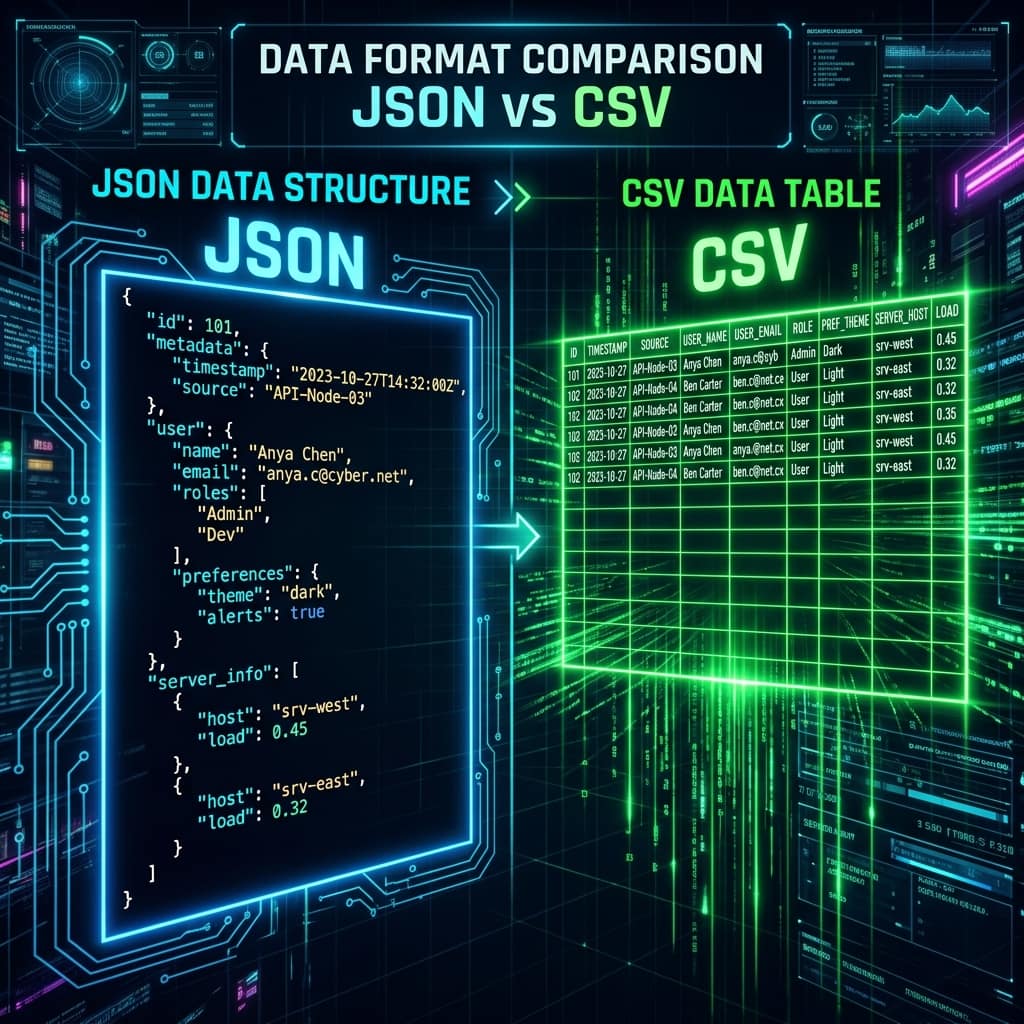
2026-06-29
JSON vs CSV: Which Data Format Should You Use?
CSV for flat tables and spreadsheets, JSON for nested data and APIs — a practical comparison with file-size numbers, gotchas, and free converters for both directions.
The rule of thumb: CSV for flat, tabular data heading to spreadsheets and imports; JSON for nested data and anything talking to an API. Both are plain text, both are universal — but they solve different shapes of problem, and picking the wrong one creates friction fast.
The same data, both ways
CSV — one row per record, commas between values:
name,role,years
Amira,developer,4
Tariq,designer,7
JSON — objects with named fields:
[
  { "name": "Amira", "role": "developer", "years": 4 },
  { "name": "Tariq", "role": "designer", "years": 7 }
]
Notice JSON repeats every key on every record — that is why the same table is roughly 2-3× larger as JSON. CSV pays that space back with rigidity: it simply cannot represent nesting.
Head to head
| CSV | JSON | |
|---|---|---|
| Shape | Flat rows × columns | Nested objects & arrays |
| Data types | Everything is text | Strings, numbers, booleans, null |
| Size (tabular data) | Smaller (~2-3×) | Larger — keys repeat |
| Excel / Sheets | Opens natively | Needs conversion |
| APIs / JavaScript | Needs parsing library | Native (JSON.parse) |
| Streaming huge files | Easy, line by line | Harder — needs full parse |
| Comments allowed | No | No (a shared weakness) |
Choose CSV when…
- The destination is Excel, Google Sheets or a database import wizard
- The data is genuinely flat — every record has the same simple columns
- Files are large and processed line-by-line (logs, exports, ML datasets)
The gotchas: everything is a string ("007" loses its zeros in Excel), delimiters vary by locale (European CSVs often use semicolons because commas are decimal points), and commas inside values need quote-escaping per RFC 4180.
Choose JSON when…
- You are talking to or building a web API — JSON is the default language of HTTP APIs
- Records have nested structure: a user with an array of addresses simply cannot flatten into CSV without pain
- Types matter:
42vs"42"vsnullare distinct in JSON, indistinguishable in CSV
The gotchas: trailing commas are illegal, keys must be double-quoted, and one missing bracket invalidates the whole file — run suspect payloads through a JSON Formatter & Validator to pinpoint the exact error, or see our full guide to fixing "invalid JSON" errors.
Converting between them
Real work constantly crosses the boundary — API data into a spreadsheet for an analyst, spreadsheet data into an app:
- CSV to JSON Converter — paste or upload, pick your delimiter, get a clean typed array
- JSON to CSV Converter — flattens an array of objects into spreadsheet-ready rows with proper escaping
Both run entirely in your browser, so private data never leaves your device. For a full walkthrough — delimiters, headers, flattening and the Excel traps — see how to convert CSV to JSON (and back).
Frequently asked questions
Which is faster to parse?
CSV parsing is simpler and faster for flat data. But in JavaScript, JSON.parse is heavily optimised native code — for typical API payloads the difference is irrelevant.
Can JSON always be converted to CSV? Only cleanly when the JSON is an array of flat objects. Nested structures must be flattened first, or nested values end up as JSON strings inside cells.
Why does Excel mangle my CSV? Locale issues, usually: Excel may expect semicolons, convert long numbers to scientific notation and strip leading zeros. Import via Data → From Text/CSV to control column types.
Is there something better than both? For analytics pipelines, columnar formats like Parquet beat both. For configs, YAML and TOML add comments — see JSON vs YAML for that comparison. But for interchange, CSV and JSON remain the universal pair.